
Launcher
Windows 10 and 11
- Standard, Medium and High quality
- Updates itself
- Your account with email or Google
Fan project · Free

The classic Buddy Rush adventure, ready to play again: 15 lands, from level 1 to 110, alone or with friends.
The browser plays in Standard quality. The launcher also brings Medium and High.
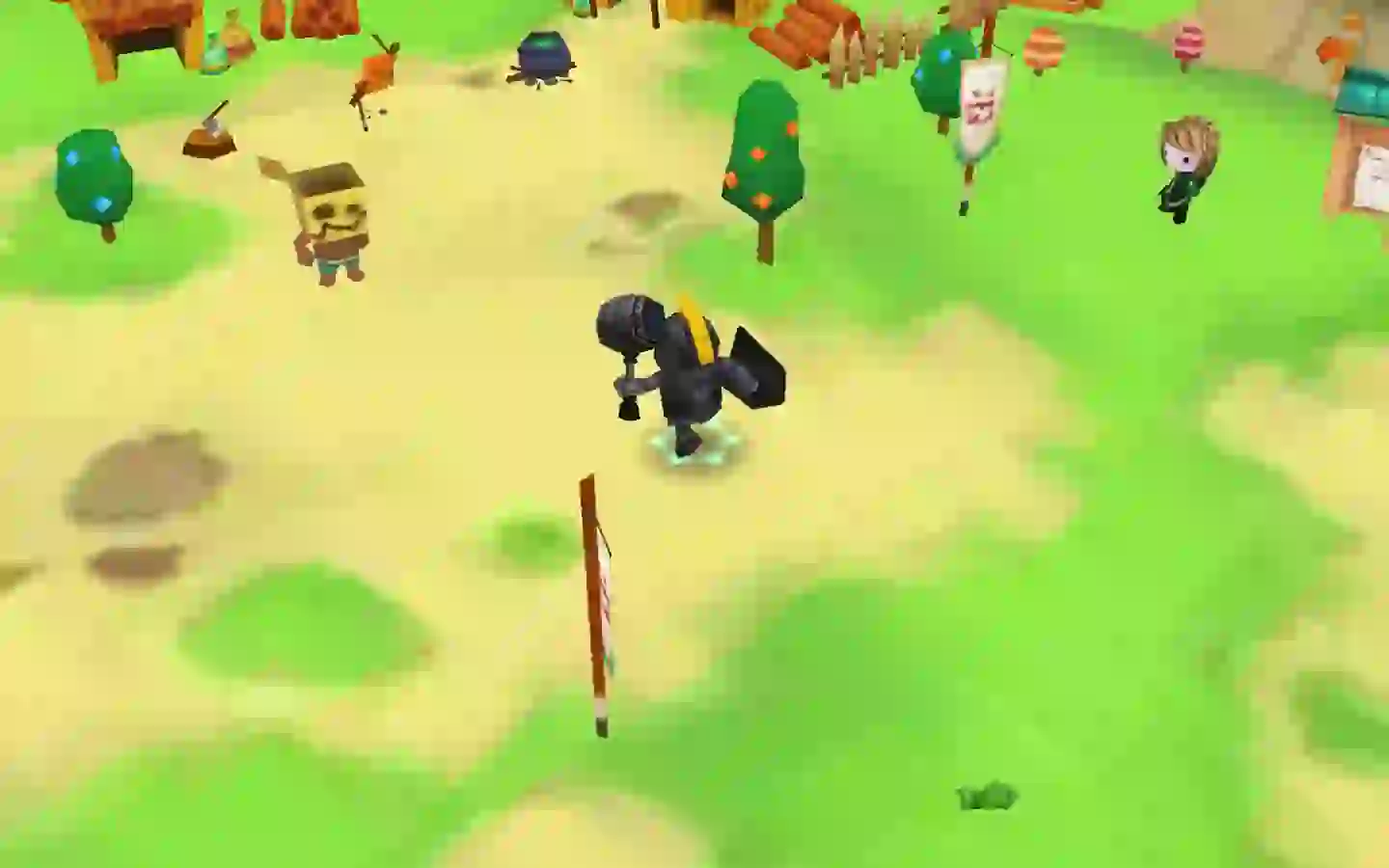
Real gameplay
In a minute
Three steps and you are in. The launcher takes care of your account and the updates.
Get the launcher and open it. If Windows warns you, click “More info” and “Run anyway”.
Download the launcherWith your email and a password (we send you a 6-digit code) or with your Google account.
Step by step in the guide →The launcher downloads the game and opens it. Next time it only downloads what changed.
Step by step in the guide →From level 1 to 110
They open in order: almost all of them when you defeat the previous land’s last boss.
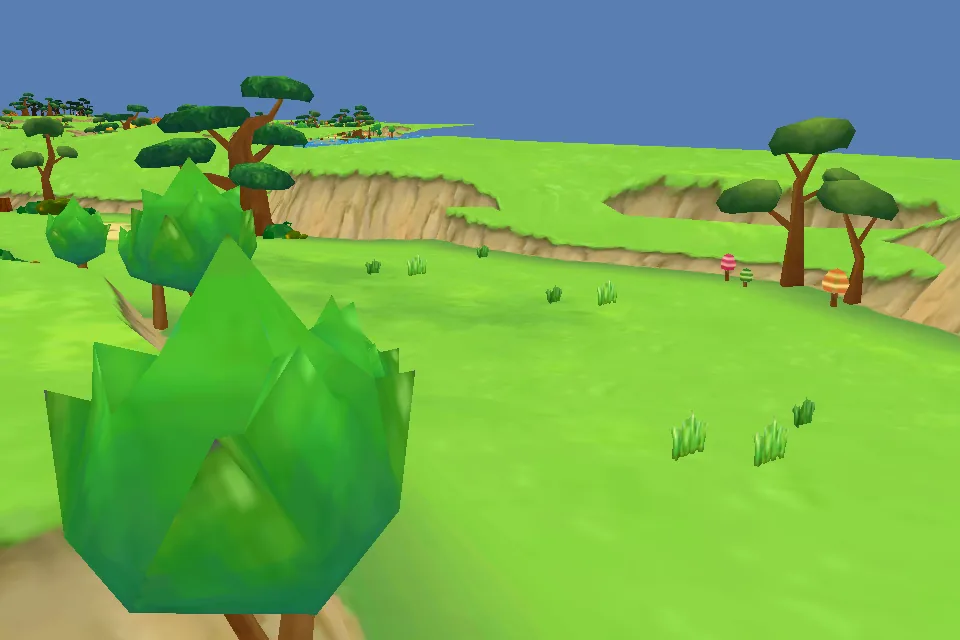 1WoodeamLv. 1–89 areas · Last boss: Hugeblin
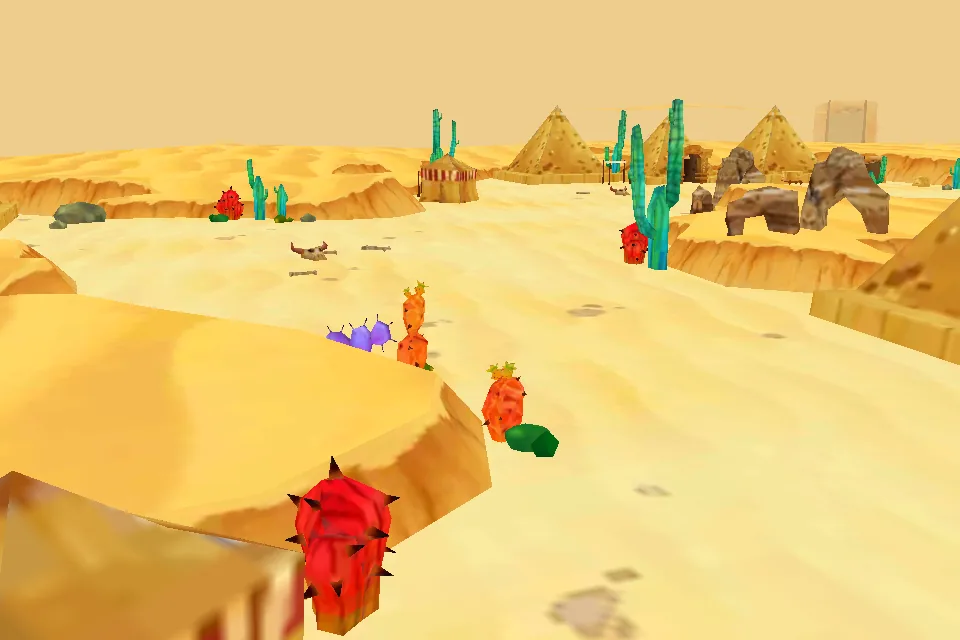 2TresedLv. 10–2018 areas · Last boss: Sphinx
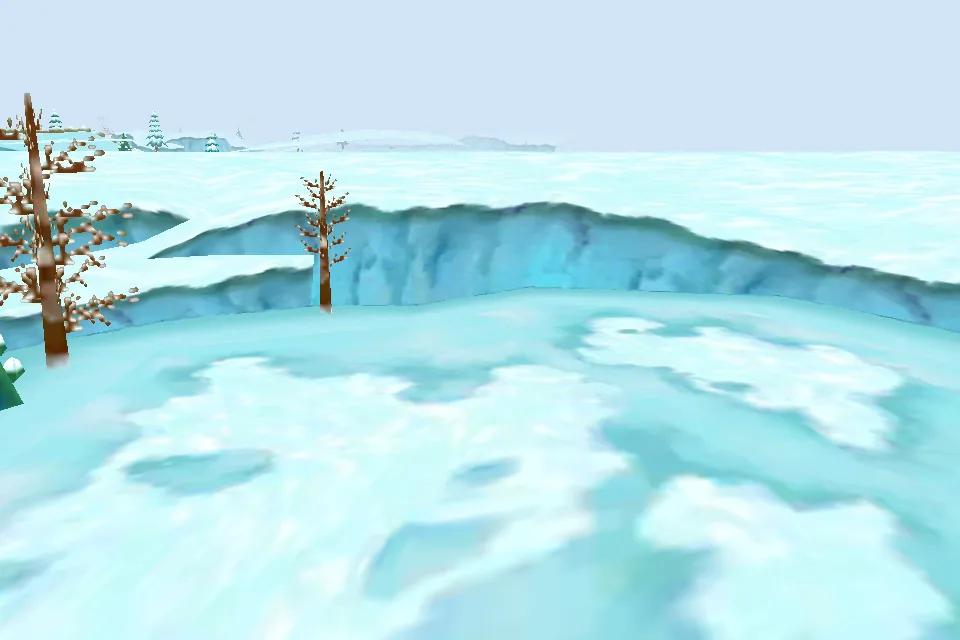 3LoocosLv. 17–2410 areas · Last boss: Pengster
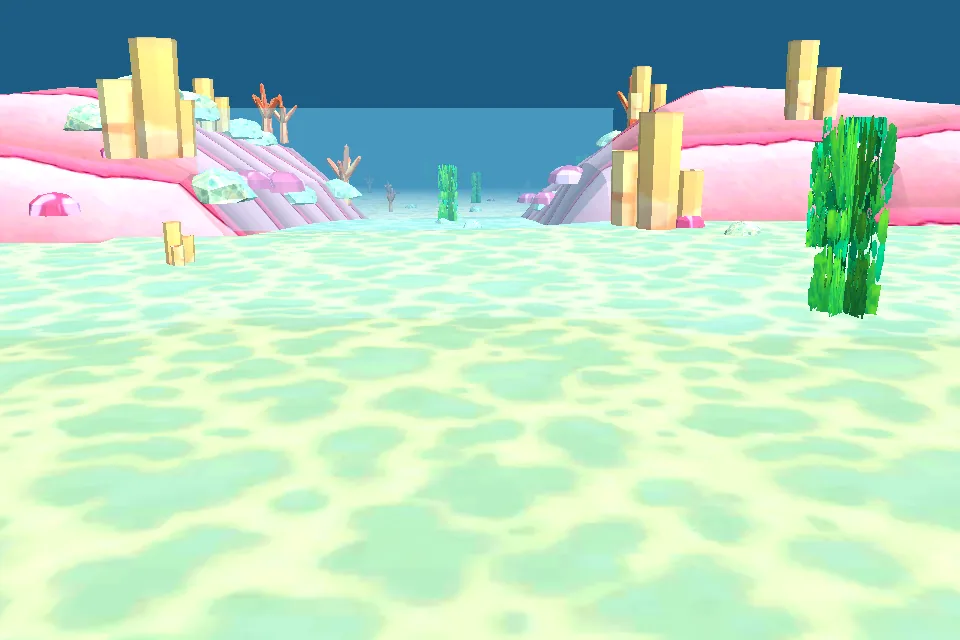 4CoraluneLv. 24–2710 areas · Last boss: King Linternon
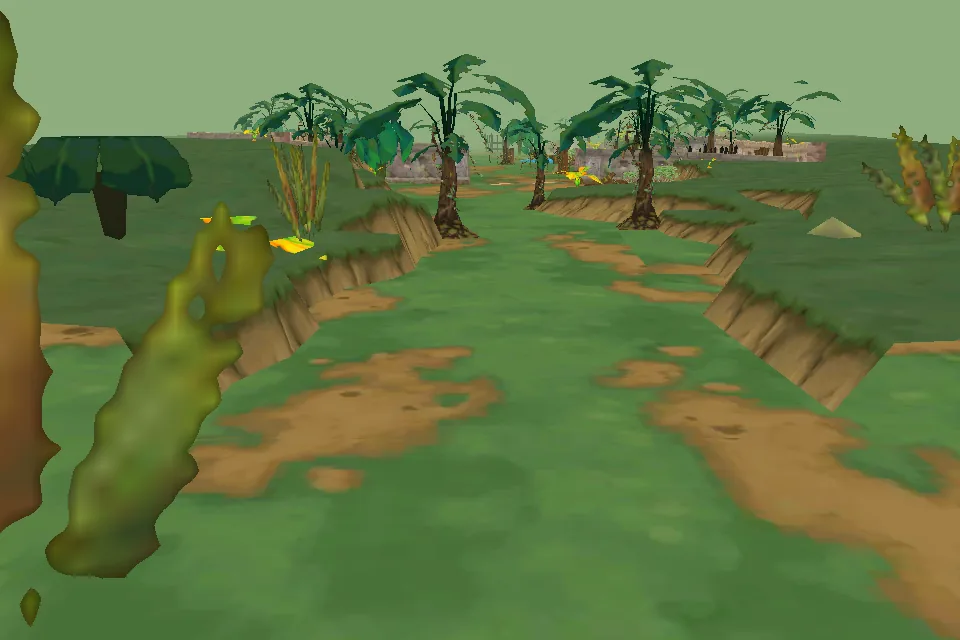 5ElgnuzLv. 30–367 areas · Last boss: Betty
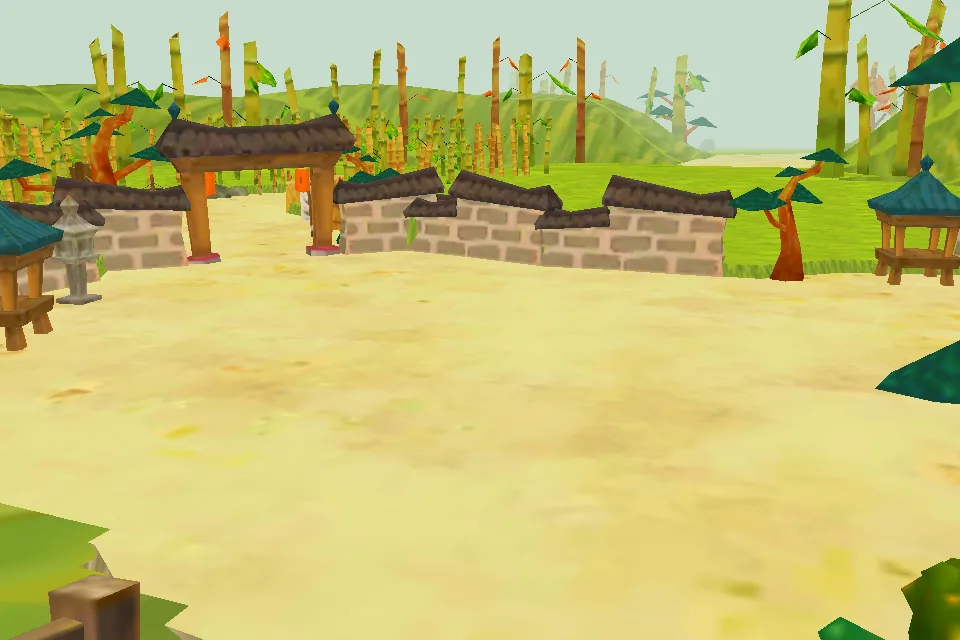 6Xi LinLv. 36–438 areas · Last boss: White Tiger
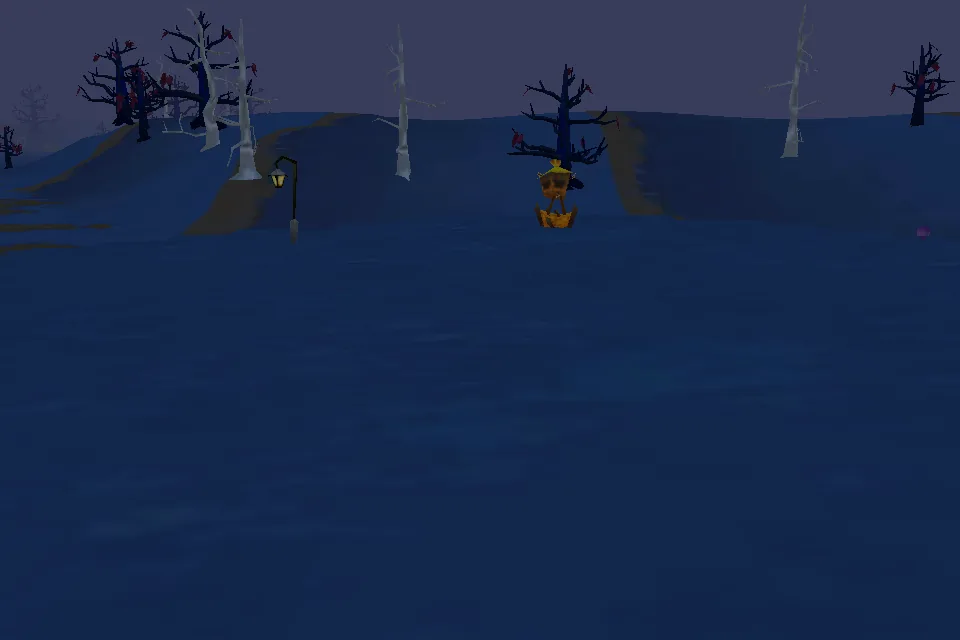 7BootombLv. 43–5011 areas · Last boss: Esline
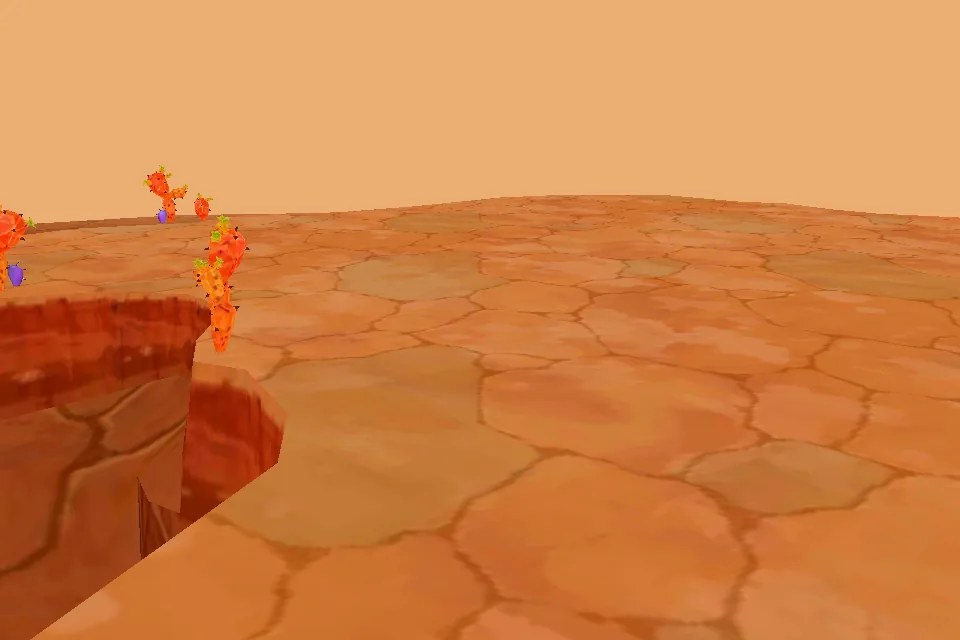 8QuesternLv. 50–576 areas · Last boss: Sheriflin
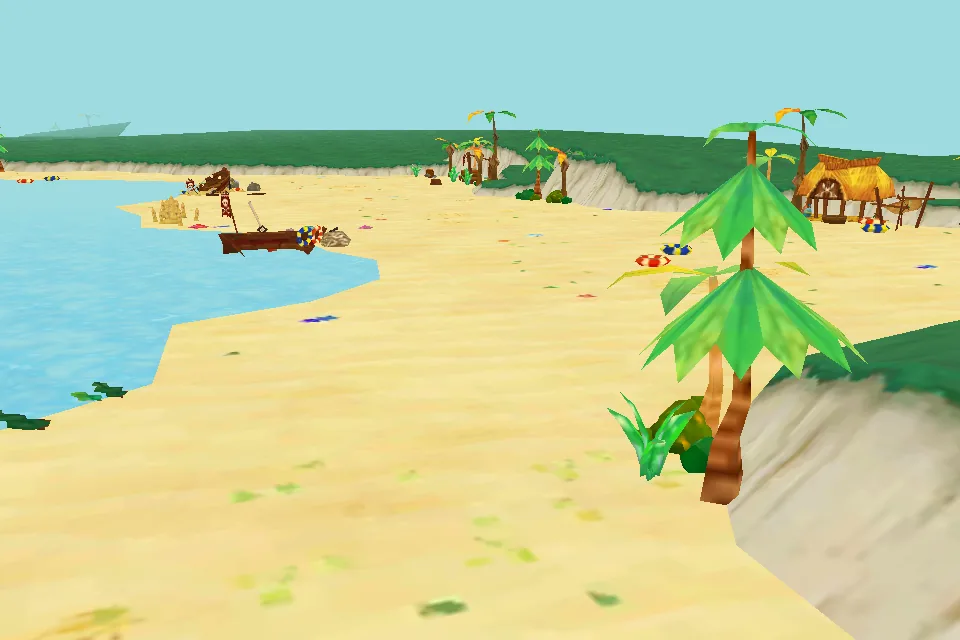 9KanbucayLv. 57–647 areas · Last boss: Jack Blin
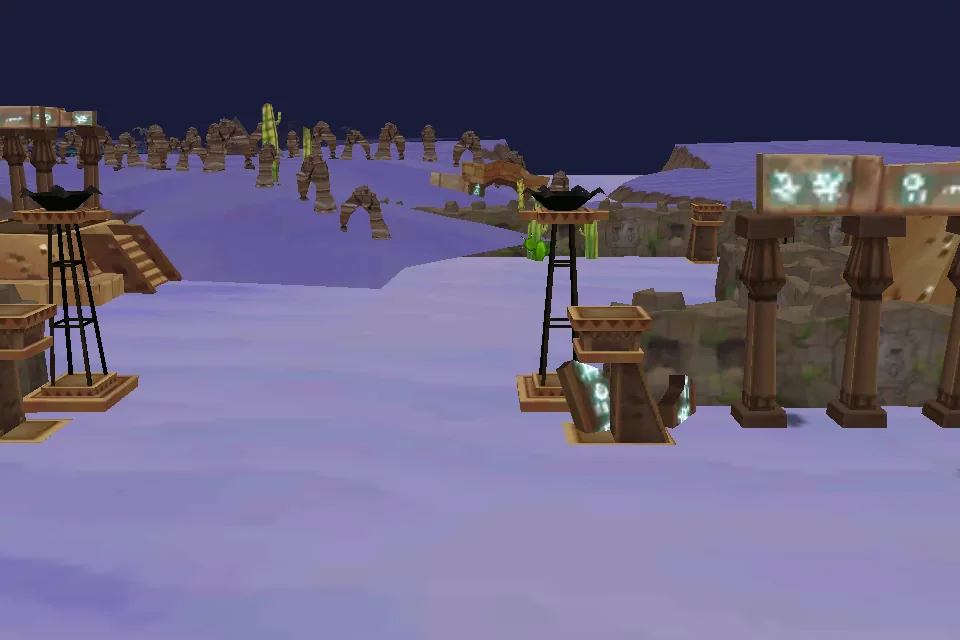 10OriacLv. 65–748 areas · Last boss: Cow Warden
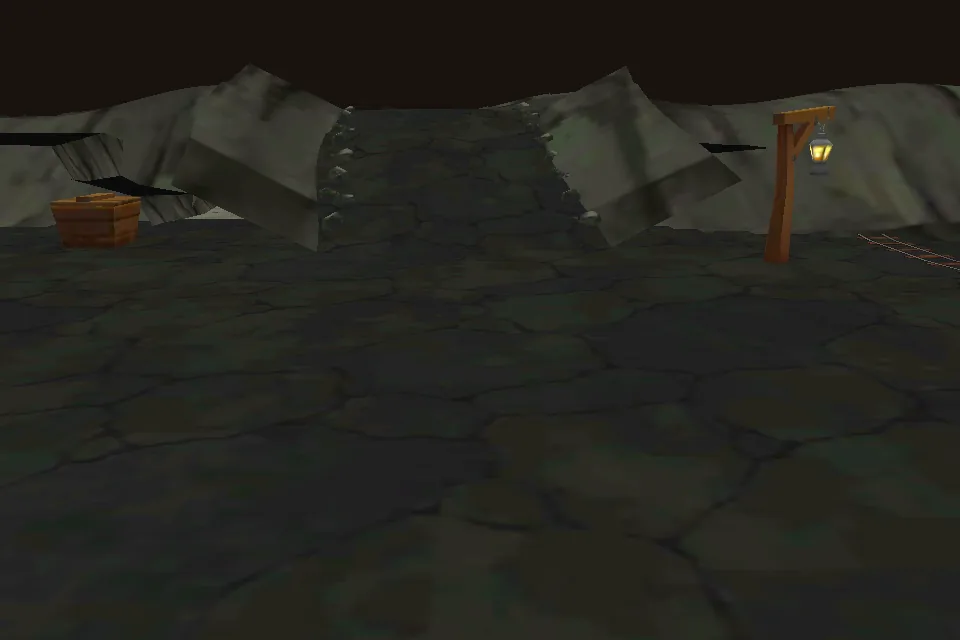 11EvacaLv. 74–827 areas · Last boss: Jusul
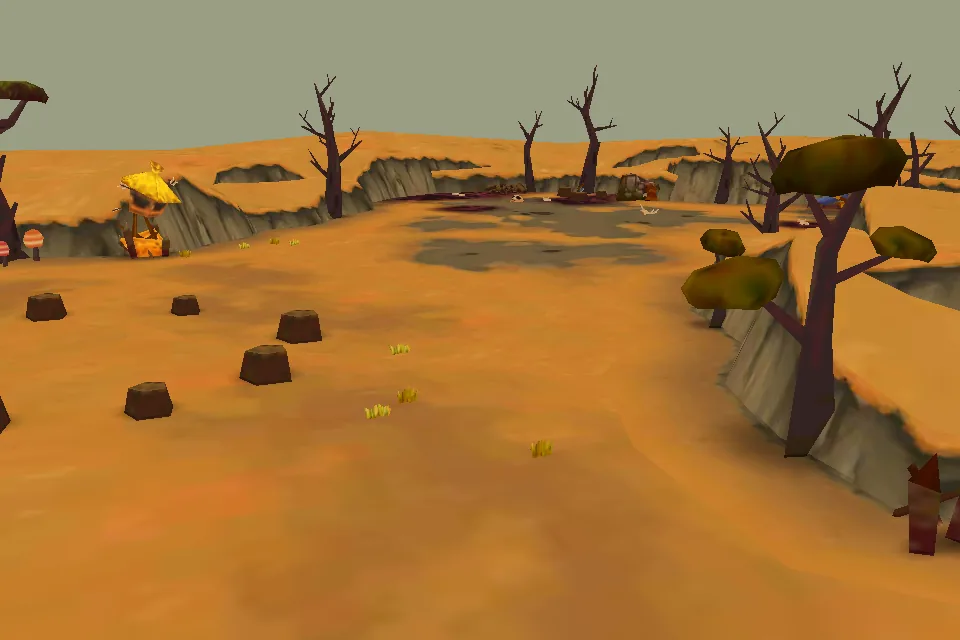 12C'est MangLv. 82–879 areas · Last boss: Cutie
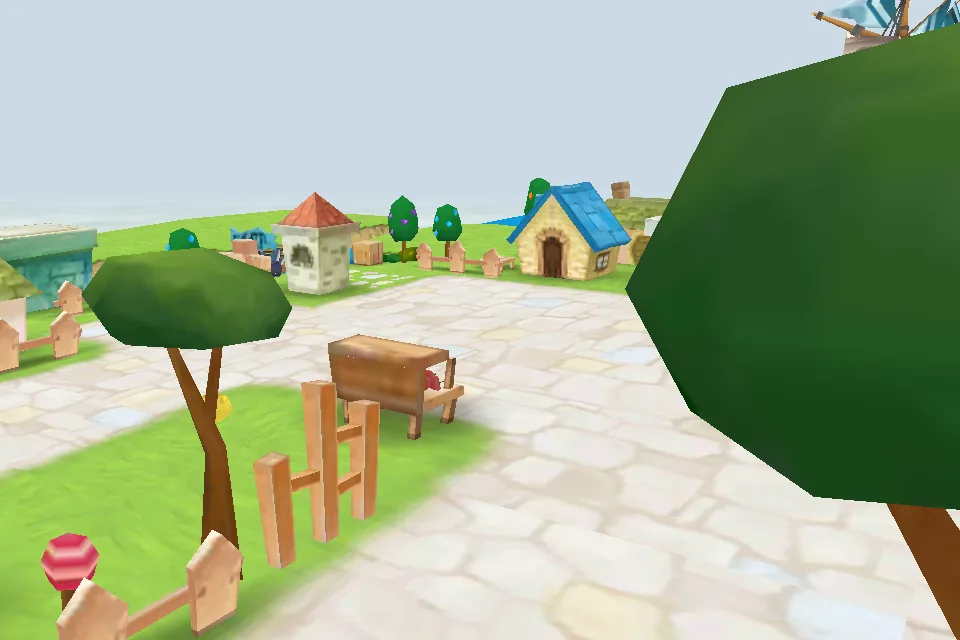 13AllizwallLv. 87–929 areas · Last boss: The revived Sage
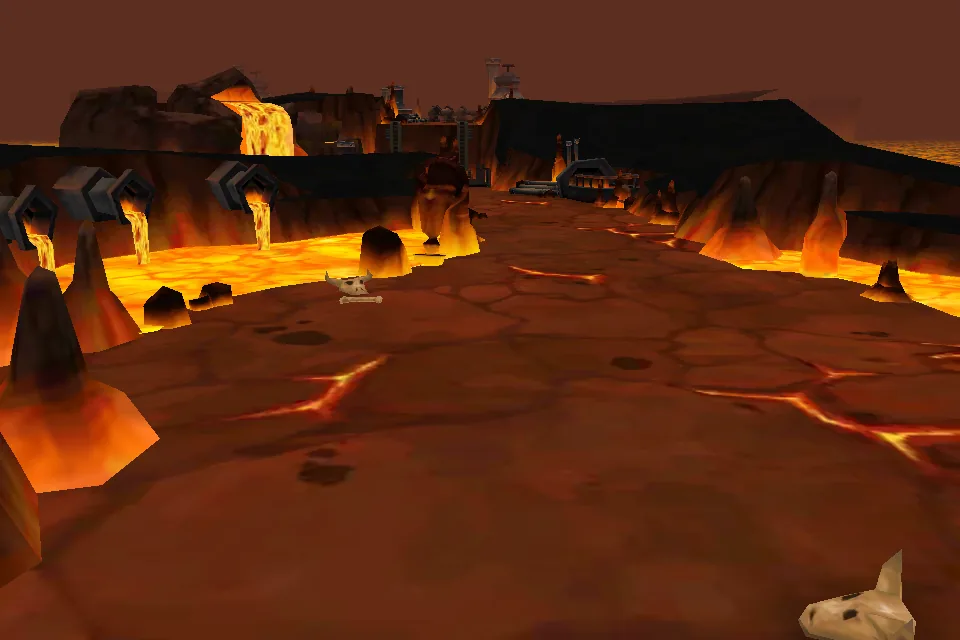 14RedstoneLv. 92–1006 areas · Last boss: Primeval Dinosaur
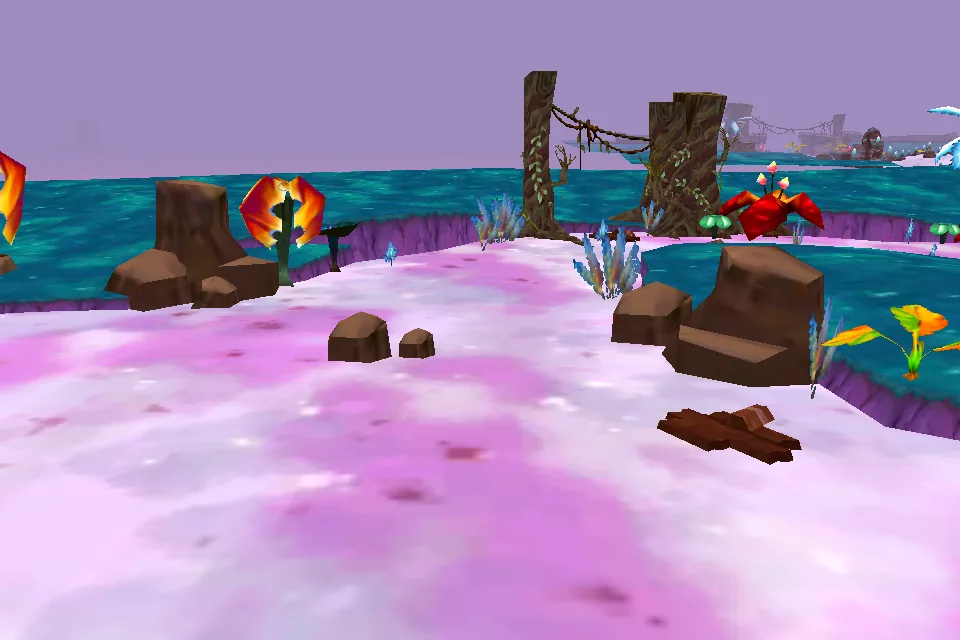 15DoppeliaLv. 101–1108 areas · Last boss: Owl
Windows 10 and 11
Any PC with a modern browser
Yes. Downloading the launcher, creating your account and playing cost nothing.
Yes, and you create it inside the launcher in a minute: with your email and a password (you confirm a 6-digit code) or with your Google account.
Yes. In the launcher you sign in with your usual username and password and see your characters.
The launcher is new and SmartScreen does not know it yet. Click “More info” and then “Run anyway”.
For now the launcher is for Windows 10 and 11 only. On Linux or Mac you can play in the browser, in Standard quality.
Everything about the game is in the guide.